 Next Generation Gift Card
How PlusGiftCard Works
One Gift Card Experience. More Ways to Gift, Shop & Save.
PlusGiftCard makes gift cards easier to give, receive, redeem, buy, manage, swap, and sell—all from one digital experience.
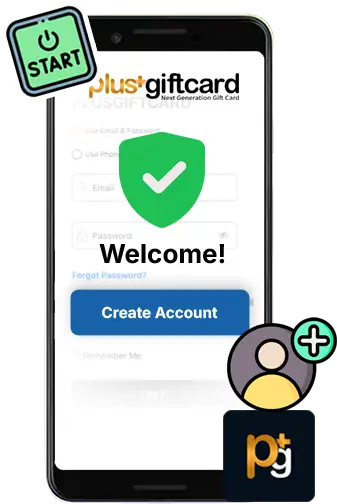
Create Your Account. Start Exploring.
Get Started
Getting started with PlusGiftCard takes just a few minutes.
Create Your Free Account
Sign up for your free PlusGiftCard account.
Verify Your Information
Verify your email address and mobile number to help protect your account.
Add a Payment Card — Now or Later
Securely add a credit or debit card now, or skip this step and add one later when you're ready to make a purchase.
Start Exploring
Browse hundreds of brands, discover available cashback offers, and find the right gift card for yourself or someone else.
Try PlusGiftCard Before You Sign Up
You don't need an account to buy or send a gift card. Simply Continue as Guest at checkout and see how easy PlusGiftCard is to use. Like the experience? Create your free account anytime to unlock cashback rewards on eligible purchases and access more PlusGiftCard features.
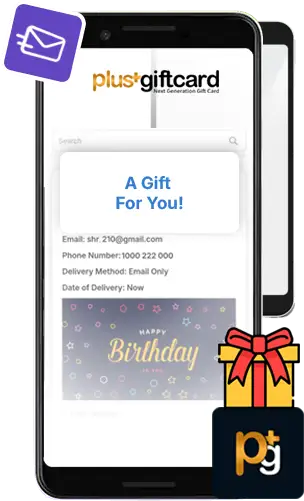
Send a Gift They'll Actually Use.
Buy Gift Card
Choose a favorite brand, personalize your gift, and send it in just a few steps.
Choose a Gift Card
Browse hundreds of brands and select the gift card you want to send.
Select an Amount
Choose how much you'd like to give.
Choose How You Want to Checkout
Sign Up & Earn Cashback — Create a free PlusGiftCard account and earn cashback on eligible purchases. Continue as Guest — Skip account creation and enjoy a faster checkout.
Personalize Your Gift
Add the recipient's details and your personal message.
Choose How to Deliver
Send your gift by email, text, or print it at home.
Complete Your Purchase
Pay securely with your credit or debit card and send your gift.
For Your Security, We Send a Link — Not a Gift Card Code
Traditional digital gift cards may send the actual gift card number or redemption code through email or text. PlusGiftCard works differently. We send the recipient a secure link to the gift—not the underlying gift card code. This helps protect the gift card information from being exposed, copied, or used by someone else
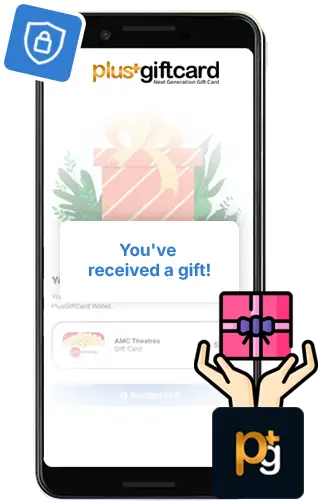
Your Gift Has Arrived. Here's What Happens Next.
Accept Gift
Receiving a PlusGiftCard is simple and secure. Instead of receiving an exposed gift card number or code through email or text, you receive a secure PlusGiftCard link to access your gift.
Open Your Gift
Click the secure PlusGiftCard link you received by email or text, or access the link provided with your printed gift.
See Who It's From
View who sent the gift, their personal message, the gift amount, and other details.
Create Your Free Account
To accept your gift, you must create a free PlusGiftCard account and verify your email address and mobile number.
Accept Your Gift
Once your account is verified, accept the gift and add it to your PlusGiftCard wallet.
Use & Track Your Gift
Your gift is now ready to use. View your balance, redeem what you need, and track what's left from your PlusGiftCard account.
Why Is an Account Required?
Your account helps protect your gift and gives you one secure place to manage it. It also allows PlusGiftCard to track and update your remaining gift card balance in real time as you use it. Your gift is delivered through a secure link, and account verification is required before the gift can be accepted.
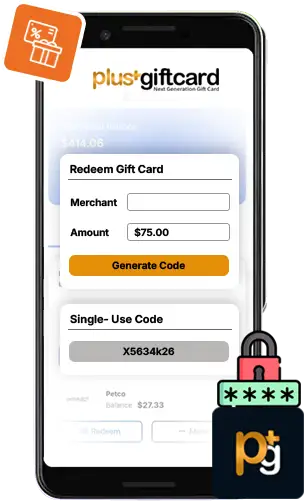
Generate Your Code When You're Ready to Buy.
Redeem Gift Card
Traditional gift cards typically give you a gift card number or code in advance—something you have to store, protect, and keep track of. PlusGiftCard works differently. We generate a single-use redemption code in real time when you're ready to check out.
Go to PlusGiftCard.com
Sign in to your PlusGiftCard account and go to the Redeem Gift Card page.
Choose the Merchant
Select the merchant where you're making your purchase.
Enter Your Checkout Amount
Enter the exact amount needed to complete your purchase, including applicable taxes, shipping, or other charges.
Generate Your Single-Use Code
PlusGiftCard generates a single-use redemption code for that amount in real time.
Complete Your Purchase
Use the generated code to complete your purchase online or in-store, as applicable.
Track What's Left
Only the amount you redeem is used. Your remaining gift card balance stays in your PlusGiftCard account and is updated in real time.
Why Generate the Code at Checkout?
Instead of giving you a gift card code in advance, PlusGiftCard generates it only when you're ready to use it. No gift card code to store or keep track of. Single-use code generated at checkout. Redeem only the amount you need. Remaining balance tracked in real time. Less exposure of your gift card information.
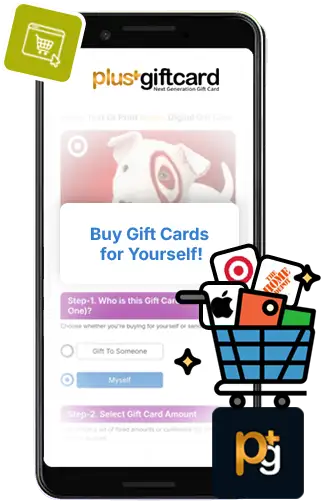
Buy for Yourself. Save While You Shop.
Gift Cards for Self
Gift cards aren't just for gifting. Use PlusGiftCard for your own everyday shopping and earn cashback on eligible gift card purchases.
Find a Brand
Browse hundreds of participating brands and available cashback offers.
Choose an Amount
Select the gift card value you want.
Pay Securely
Complete your purchase using your credit or debit card.
Earn Cashback
Receive the available cashback on eligible purchases.
Use When You're Ready
Keep your gift card conveniently in your PlusGiftCard account until you're ready to shop. When you're ready to make a purchase, simply use the Redeem Gift Card process to generate your single-use code.
Gift Cards Aren't Just for Gifting
Gift cards can also be a smart way to shop, save, and manage your own spending.
Buy gift cards for the stores, restaurants, and brands you already use, earn cashback on eligible purchases, and keep the value in your PlusGiftCard wallet until you're ready to shop. You can even use gift cards as a simple budgeting tool—set aside a specific amount for dining, shopping, entertainment, or other everyday expenses and keep track of what you have left.
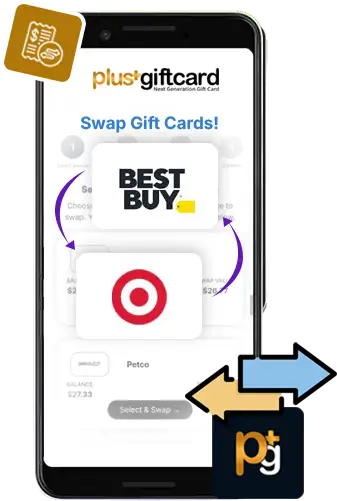
Wrong Brand? Switch It.
Swap Gift Cards
Have a gift card you don't want? Swap eligible gift card value for a participating brand you'd rather use.
Select Your Gift Card
Choose the eligible gift card balance you want to exchange.
Pick Another Brand
Choose the participating merchant you'd rather have.
Review Your Swap Value
See the value you'll receive before completing the exchange.
Confirm Your Swap
Review and approve the transaction.
Start Using Your New Gift Card
Your new gift card value becomes available in your PlusGiftCard account. When you're ready to shop, generate your redemption code through the Redeem Gift Card page.
Turn the Wrong Gift Card Into the Right One
Received a gift card that isn’t quite right? If it was purchased through PlusGiftCard, you can swap it in minutes for a brand you’d rather use—with no swap fee. Your swap value is simply adjusted for any cashback originally received.
No hassle. No swap fee. More choice.
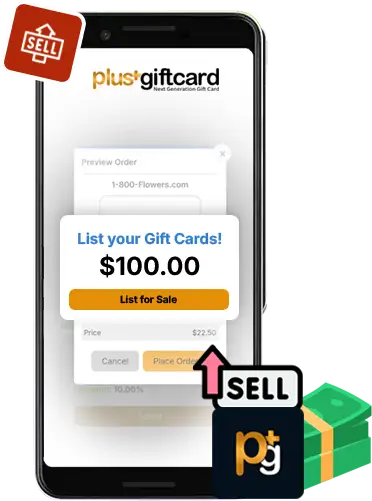
Your Unused Gift Card Could Be Someone Else's Deal.
Sell Gift Card
Have an eligible gift card you don't plan to use? List it in the PlusGiftCard marketplace and give another shopper the opportunity to buy it.
Select Your Gift Card
Choose the eligible gift card balance you'd like to sell.
Set or Review the Price
Choose or accept the applicable marketplace pricing.
List It for Sale
Your offer becomes available to eligible PlusGiftCard shoppers.
Find a Buyer
When another customer purchases your listing, the applicable gift card value is transferred.
Receive Your Proceeds
Receive your proceeds according to PlusGiftCard marketplace terms.
Don’t Want It? Set Your Price & Sell It.
If you purchased or received a gift card through PlusGiftCard and don’t want to use it, list it for sale and set your own price. Buying and selling takes place securely within the PlusGiftCard marketplace, with the gift card value and transfer handled through the platform.
Set your price. Sell securely. Turn an unused gift card into value.
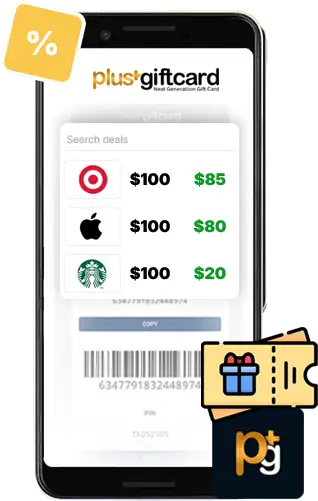
Someone Else's Unused Gift Card. Your Extra Savings.
Buy Discount Gift Card
Looking for an even better deal? Shop eligible gift cards offered by other PlusGiftCard customers and potentially save more than buying at face value.
Browse Available Deals
Explore discounted gift card offers across participating brands.
Compare Your Savings
See the gift card value, selling price, and your potential savings before you buy.
Buy Securely
Choose the offer you want and complete your purchase.
Add It to Your Account
The purchased gift card value becomes available in your PlusGiftCard account according to the applicable terms.
Redeem When You're Ready
When it's time to shop, go to the Redeem Gift Card page and generate your single-use code for the amount you need.
Two Ways to Save. Choose the Better Deal.
With PlusGiftCard, you have two ways to save: buy a gift card directly and earn available cashback, or buy one at a discount from another seller in the marketplace.
Sometimes the marketplace discount may be even better than the cashback offer—so compare both and choose the option that saves you more.
Cashback or discount. You choose the better deal.
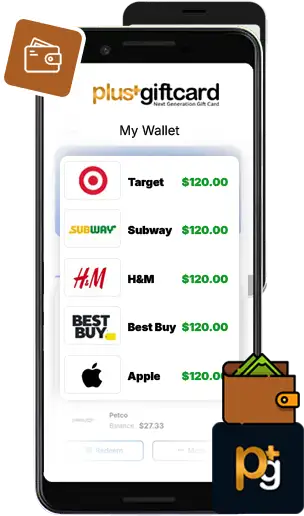
Your Gift Cards. Your Rewards. One Place.
Wallet
No more juggling gift card emails, numbers, codes, and balances. Your PlusGiftCard wallet brings everything together in one convenient place.
Gift Card Balances
See your available balances across participating brands.
Cashback & Bonuses
Track the rewards you've earned.
Real-Time Balance Tracking
See your remaining available balance as you redeem your gift cards.
Gifts
Keep track of gift cards you've sent and received.
Swaps & Marketplace Activity
Track gift card exchanges, purchases, and sales.
Transaction History
See your purchases, redemptions, rewards, gifts, swaps, and other PlusGiftCard activity.
Your Gift Card Command Center
Your PlusGiftCard Wallet puts everything in one place. Track balances in real time, link and update profile and cards, buy, redeem, regift, swap, and sell gift cards, manage your rewards, and see your activity and transaction history.
One wallet. Complete visibility. More control.
Gift Cards That Work Differently
More choice. More control. More ways to use gift cards.
PlusGiftCard goes beyond the traditional gift card experience—giving customers more flexibility while keeping gifting, redemption, rewards, and balances together in one place.
Gift. Receive. Redeem. Choose. Buy. Swap. Sell. Save.
More flexibility, more ways to use your value, and one digital experience for everything gift cards can do.