 Next Generation Gift Card
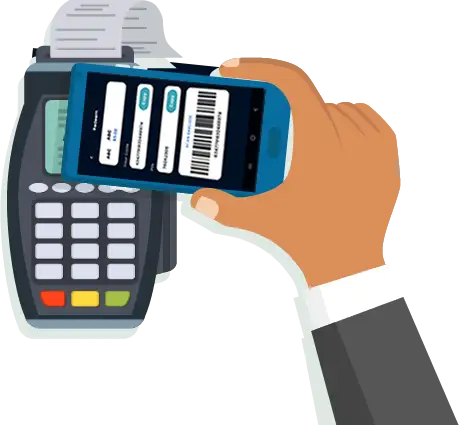
Pay at Checkout
Online or In-Store
Use your PlusGiftCard Wallet to pay
instantly with real-time balance tracking
and a seamless digital checkout experience.
1

Open PlusGiftCard Wallet
Open your PlusGiftCard at checkout.
2

Enter Transaction Details
Type store name and amount, then confirm.
3

Get Secure Code
Receive a secure, singleuse code or QR.
4

Pay & Done
Scan the QR or paste the code in store's Gift Card section to complete payment.
Pay With PlusGiftCard
Sign-Up or Log In to start making payments with PlusGiftCard
- Enter Store Name
- Enter Checkout Amount
- Get Code
- Use Code to Pay at Checkout
Enter Store Name
Enter Checkout Amount
Please make sure that checkout amount includes price, taxes, shipping and delivery fees and other charges,if any