

 Next Generation Gift Card
FAQ
Wallet & Account Activity
Track balances, rewards, transactions, and account activity.
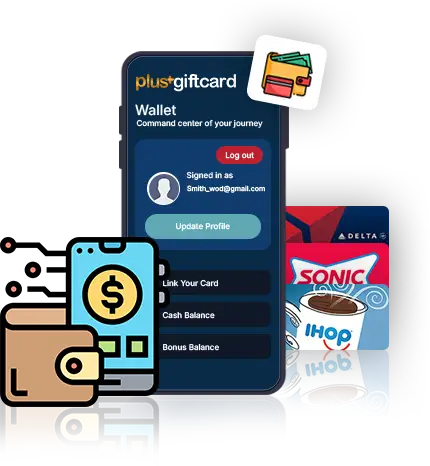
It’s your home screen to view balances, activity, and quick actions.
Yes. Only you can see your Wallet data.
You see your profile, balance, reports and redemption code.
You can manage your profile and payment details from the Settings tab.
It shows Cash Balance, Gift Card Balance, and Bonus Balance
It’s real money you can spend, or withdraw.
It’s real money you can spend, or withdraw.
It shows bonus you have earned through sign-up and referral
Open the Cash section under Balance to view details.
Yes. All balances update in real time.
Use the Reports tab for full activity tracking.
It shows all gift card purchases with order details.
Open Gift History to view sent gift records.
Check Gift Receive History in the Reports section.
It shows gift cards you sold in the marketplace.
It lists gift cards you purchased from other users
Yes. Use start and end date filters.
Yes. Each report can be printed or saved.
Gift cards show brand-wise usage, and transactions can be tracked by visiting the Reports section in PlusGiftCard Wallet.
Yes. Date and time are shown for every entry.
Yes. Cashback details include store names.
Check filters first, then contact support if needed.
Yes. Reports are available 24/7.
Yes. Gift reports show sender or recipient emails.
Use filters to quickly find records.
Yes. Gift History shows total amounts sent.
Your total cashback earned is visible in the Cashback section.
Yes. Any adjustments appear in your history.