

 Next Generation Gift Card
FAQ
Paying with Gift Cards
Generate redemption codes and pay online or in-store instantly.
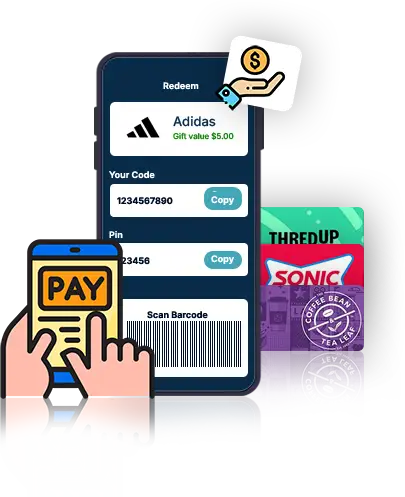
It lets you redeem at checkout using your gift card balance directly from your PlusGiftCard wallet—online or in-store.
Open your PlusGiftCard wallet, enter the store name and checkout amount, tap ‘Get Code’, and use the code or QR at checkout.
You can redeem e-gift cards at partner online stores and physical outlets that accept gift card payments.
Yes. Paste the code during online checkout, or show the code to the store cashier in-store.
It’s a secure, single-use payment code generated instantly to complete your gift card payment safely.
Absolutely. Every redemption uses encrypted, single-use codes, keeping your payment safe.
Each code is one-time use and expires shortly for security.
Enter the final checkout amount, including taxes, shipping and delivery, and any additional fees.
Instantly. Once you confirm, the code and PIN appear right away.
Yes. You’ll see an instant wallet update and receive a confirmation email.
No. Redeeming gift cards on PlusGiftCard is completely free of cost or additional expenditures.
If the code isn’t generated yet, you can refresh and start again. Once you confirm and a code is generated, it can’t be cancelled—but you can generate a new code for the same brand after a short wait.
If the reason is valid, transaction is reviewed by admins and your balance is safely released. You’ll see the entry under Reports and Redemption Codes, and once verified, the amount becomes available for future redemption.